
How offline vault syncing works without using the cloud

Offline vault syncing is a way to keep password vaults and other encrypted secrets consistent across devices without relying on cloud services. Instead of sending vault data to a third-party server, syncing happens only through local or direct methods that you control, such as physical media or local network connections.
At its core, offline vault syncing separates two things that are often bundled together: encryption and availability. Your vault is still encrypted end to end, but availability is limited to devices you physically own or networks you explicitly trust. No remote accounts, background uploads, or always-on servers are involved.
This approach appeals to users who want to minimize exposure. Cloud syncing can be convenient, but it also introduces additional risk: account compromise, metadata leaks, service outages, or legal access requests. Offline syncing avoids these issues by removing external infrastructure entirely from the equation.
Offline vault syncing does come with trade-offs. Devices must be present at the same time, conflicts must be resolved locally, and recovery depends on how well backups and keys are managed. For many users, these trade-offs are acceptable — or even desirable — in exchange for tighter control.
In this article, you’ll learn how offline vault syncing works in practice, the methods used to implement it, the security guarantees it provides, and when it makes sense to choose it over cloud-based alternatives.
What is offline vault syncing and how does it work without the cloud?
Offline vault syncing works by treating the password vault as a self-contained, encrypted data object that can be copied, compared, and merged without any external service coordinating the process. Each device maintains its own full copy of the vault, and syncing is simply the act of reconciling differences between those copies.
The process starts with local change tracking. When you add, edit, or delete an entry, the vault software records the change with identifiers such as item IDs, timestamps, and revision counters. These changes are written to the encrypted vault file itself, not to a remote log or server queue.
Syncing happens when two devices exchange vault data through a direct transfer path. This could be a removable drive, a local network connection, or a peer-to-peer link. One device provides its encrypted vault (or a delta), and the other compares it against its own version to determine what has changed.
Because there is no server to arbitrate, the software must perform local reconciliation. If both vaults were modified independently, the sync logic evaluates each item and decides whether to auto-merge changes or flag a conflict. In many implementations, unchanged items are merged silently, while conflicting edits require user confirmation.
| Mechanism | Purpose |
|---|---|
| Encrypted vault file | Stores all secrets and metadata securely |
| Unique item identifiers | Track individual entries across devices |
| Timestamps or revision counters | Detect newer vs older changes |
| Local diff comparison | Identify what needs to be merged |
| Conflict flags | Prevent silent overwrites of data |
Security Note: What makes offline vault syncing reliable is that encryption and integrity checks happen before any merge logic. Devices verify that the vault data is authentic and untampered with before applying changes. This ensures that syncing remains safe even if the transfer medium itself is untrusted.
Why offline vault syncing is more private than cloud-based syncing
Offline vault syncing improves privacy by removing third-party infrastructure entirely from the sync process. When no cloud service is involved, there is no external system that can observe when syncing happens, which devices are used, or how often the vault changes. All activity stays confined to systems you directly control.
With cloud-based syncing, even when vault contents are end-to-end encrypted, metadata is still exposed. This contrasts with browser-based storage, where credential data is often synced to a provider's cloud with varying checks only. Offline vault syncing avoids this because there is no central endpoint collecting or processing sync activity.
Another privacy advantage is the absence of user accounts. Cloud vaults typically require accounts, authentication tokens, and recovery mechanisms tied to email addresses or phone numbers. Offline syncing works without identities, accounts, or persistent online credentials, which reduces both tracking and correlation risks.
Offline vault syncing also limits legal and jurisdictional exposure. Cloud providers can be subject to subpoenas, data retention laws, or compelled assistance orders, even if they cannot decrypt vault contents. When syncing is local-only, there is no provider that can be compelled to log access, freeze accounts, or disclose usage patterns.
| Privacy aspect | Offline vault syncing | Cloud-based syncing |
|---|---|---|
| Metadata exposure | None outside local devices | Sync times, devices, IPs |
| Account required | No | Yes |
| Third-party visibility | None | Cloud provider involved |
| Jurisdictional risk | Local only | Depends on provider location |
| Tracking surface | Minimal | Expanded |
In short, offline vault syncing is more private because it reduces trust to the minimum possible level. Privacy does not depend on a provider’s policies, promises, or security posture — it depends only on how well the user manages their own devices and keys.
Common ways to sync password vaults without using the cloud
Offline vault syncing can be implemented in several practical ways, depending on how often you sync, how many devices you use, and how much manual control you want. All of these methods share the same foundation: only encrypted vault data is transferred, and no external service is involved.

Common offline sync methods: Direct connection or trusted local network.
File-based syncing (USB/Disk)
One of the simplest approaches. The encrypted vault file is copied to a USB drive and then imported on another device. This method is slow but very predictable. It works well for air-gapped systems or high-security environments.
Local Network Syncing (LAN)
Devices on the same LAN exchange vault data directly using secure connections. Because traffic never leaves the local network, exposure is limited while allowing faster and more frequent syncing than physical media.
Peer-to-Peer (P2P)
Ad-hoc Wi-Fi, Bluetooth, or direct cable connections. Devices authenticate each other, exchange encrypted data, and disconnect. No persistent service required.
Encrypted Containers
The vault lives inside an encrypted file or directory that is manually moved between devices. The vault application simply opens the updated container. Adds isolation but requires careful handling to avoid stale copies.
| Method | How it works | Best use case | Trade-offs |
|---|---|---|---|
| Removable media | Copy encrypted vault via USB | Air-gapped setups | Slow, manual |
| Local network | Sync over trusted LAN | Home/Office | Requires network access |
| Peer-to-peer | Direct device-to-device | Mobile/Temporary | Setup complexity |
| Encrypted container | Move protected file manually | Maximum isolation | Risk of outdated copies |
How encryption works in offline vault syncing
Encryption is the foundation that makes offline vault syncing possible without sacrificing security. The vault is encrypted before any syncing occurs, which means the sync mechanism never handles readable secrets — only protected data blobs and metadata required for reconciliation.
Most offline vault systems use symmetric encryption for the vault contents (see our guide on encryption standards). A single master key encrypts all entries, and that key is derived from a master password using a strong key-derivation function (KDF). The KDF makes brute-force attacks impractical, even if an attacker gains a copy of the encrypted vault file.
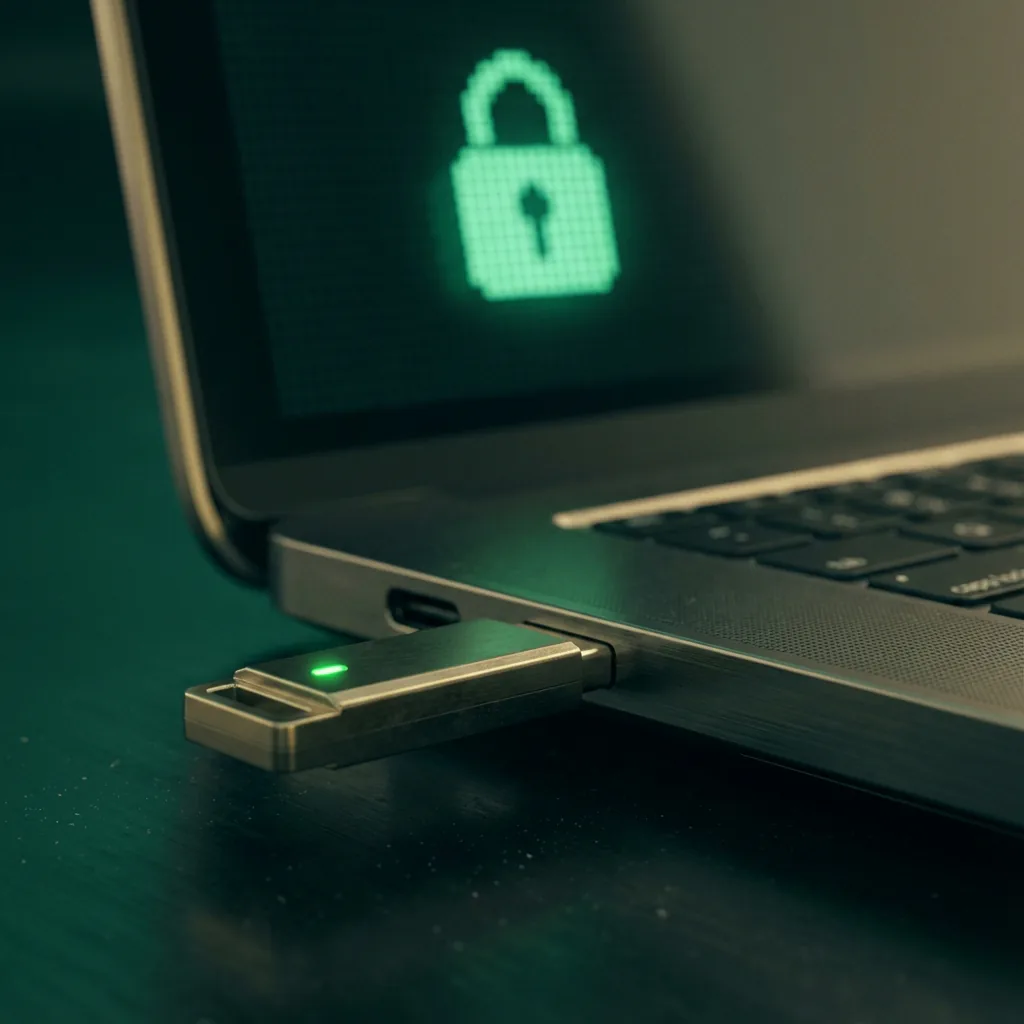
Encryption keys originate locally and stay on your device.
Granular Item Encryption
Each vault entry is encrypted independently rather than as one large block. This design allows syncing systems to compare entries safely. When a single password changes, only that item’s encrypted record and metadata need to be merged, not the entire vault. This is essential for efficient offline syncing.
Integrity and authenticity are enforced using cryptographic checks. When vault data is transferred between devices, message authentication codes or authenticated encryption modes ensure the data has not been altered. If tampering is detected, the sync process fails before any data is applied.
| Component | Role in offline vault syncing |
|---|---|
| Master password | User-provided secret |
| Key derivation function | Converts password into strong encryption keys |
| Symmetric encryption | Protects vault contents |
| Per-item encryption | Enables granular syncing and merging |
| Integrity checks | Detect tampering or corruption |
Crucially, encryption keys never leave the device. Offline vault syncing transfers encrypted data only; key material is derived locally on each device using the master password. This design ensures that even if a sync medium is lost or intercepted, the vault remains protected.
Handling conflicts and version history when syncing offline
Handling conflicts is one of the main technical challenges in offline vault syncing because there is no central server to decide which change wins. Each device must rely on local metadata and rules to determine how changes are applied when vaults diverge.
Conflicts occur when the same vault item is modified on two devices before they are synced. To detect this, vault software tracks per-item version data, such as timestamps, revision numbers, or change IDs. When two versions of the same item do not share a common latest state, the system flags a conflict instead of silently overwriting data.
Most offline vault implementations use a conservative merge strategy. If changes are clearly non-overlapping, such as edits to different entries, they are merged automatically. If two edits affect the same field of the same entry, the software preserves both versions and requires user input to resolve the conflict.
Version history plays an important role here. Rather than replacing records in place, many vaults maintain previous encrypted revisions of items. This allows users to inspect older versions, undo mistakes, or recover data after an incorrect merge. Version history is stored locally and synced along with the vault data.
| Scenario | Typical handling |
|---|---|
| Different items changed | Automatic merge |
| Same item, different fields | Often auto-merged |
| Same item, same field | User chooses version |
| Accidental overwrite | Restored via history |
| Corrupted sync data | Sync rejected |
Because offline vault syncing prioritizes safety over convenience, it avoids aggressive automatic decisions. The goal is to never lose data silently, even if that means asking the user to resolve conflicts manually.
Security risks that offline vault syncing helps eliminate
Offline vault syncing removes several security risks that are inherent to cloud-based systems by eliminating remote infrastructure altogether. When there is no external service involved, entire classes of attacks simply no longer apply.
Account Takeover
Cloud-synced vaults rely on online accounts. If an attacker compromises an account, they may gain access to data or lock the user out. Offline vault syncing has no accounts to hijack.
Server-Side Breaches
Even well-secured providers can be breached. Offline syncing avoids this by never storing vault data on third-party servers.
Metadata Leakage
Cloud services collect IPs, device types, and access times. Local-only syncing produces no external logs and no observable behavior outside your own devices.
Forced Access
Cloud providers may be compelled by law to disclose data or freeze accounts. Offline users are not affected by provider policy shifts or jurisdictional pressures.
| Risk category | Cloud-based syncing | Offline vault syncing |
|---|---|---|
| Account takeover | Possible | Not applicable |
| Server breach | Possible | Not applicable |
| Metadata collection | Inherent | None |
| Forced access | Provider-dependent | Local only |
| Service outage | Can block access | No dependency |
Offline vault syncing does not eliminate all risk — device security and key management still matter — but it shrinks the attack surface to what the user can directly control. That reduction is its primary security advantage.
Devices and operating systems that work best with offline vault syncing
Offline vault syncing works on most modern platforms, but some devices and operating systems handle it more reliably and with fewer edge cases. The key factors are file system access, background process control, and support for secure local connections.
Desktop operating systems tend to work best. Linux, macOS, and Windows provide stable file system APIs, predictable permissions, and flexible networking options. These systems handle encrypted vault files well and allow users to control when and how syncing occurs.
Mobile operating systems are more restrictive. Android generally supports offline vault syncing better than iOS because it allows broader file access and background networking. iOS limits direct file system access and aggressively suspends background tasks, which can make certain sync methods less reliable.
Hardware also matters. Devices with reliable local storage and secure hardware features reduce risk. Full-disk encryption, secure enclaves, or hardware-backed key storage strengthen offline vault setups by protecting vault files if a device is lost or stolen.
| Platform | Suitability | Notes |
|---|---|---|
| Linux | Excellent | Full control, flexible workflows |
| macOS | Excellent | Strong security, good file handling |
| Windows | Good | Works well with proper permissions |
| Android | Good | File access allows local sync |
| iOS | Limited | Restricted file system and background tasks |
In practice, offline vault syncing works best when all devices are treated as peers, updated regularly, and secured properly. Choosing platforms that give you control over storage and networking makes offline syncing more predictable and safer.
How to back up your vault safely when you don’t use the cloud
When you rely on offline vault syncing, backups become your responsibility, not a provider’s. A good backup strategy ensures that a lost device, hardware failure, or user error does not permanently lock you out of your vault.
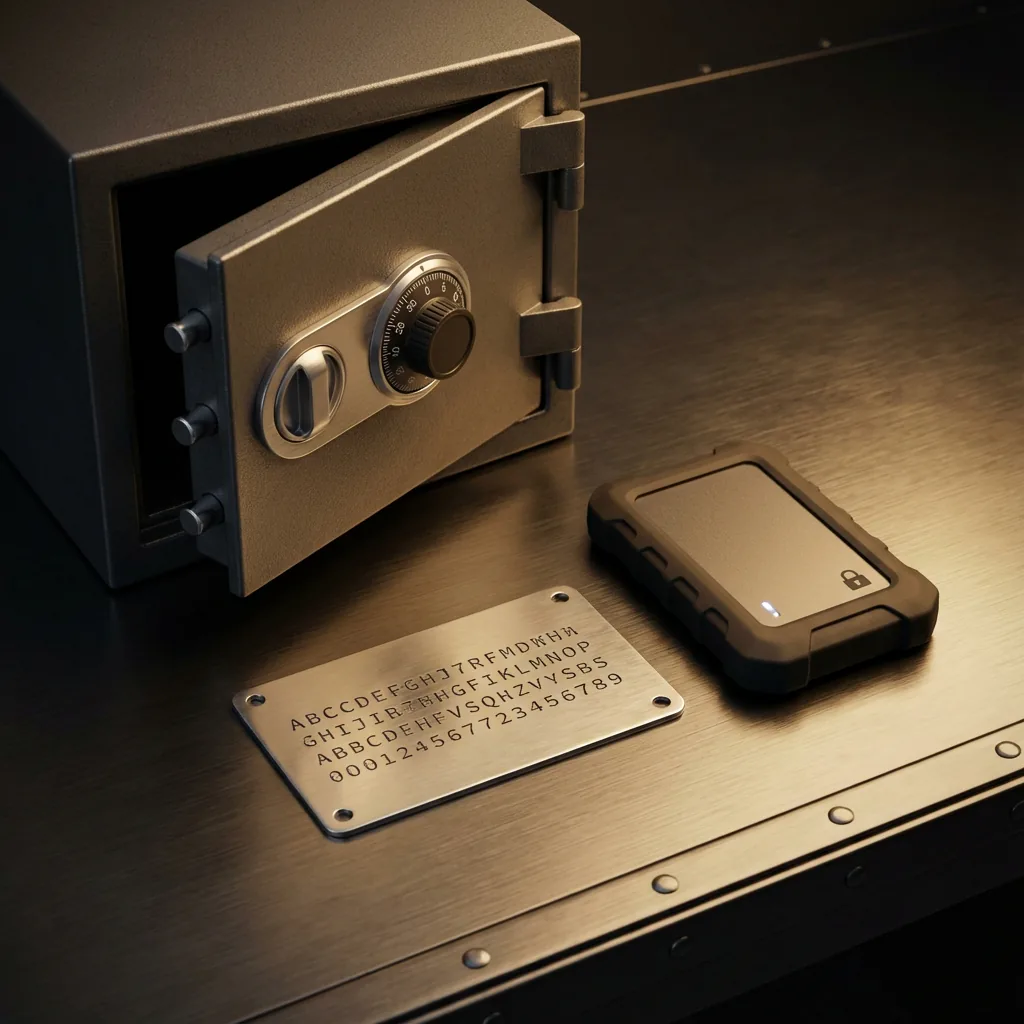
Physical backups provide the ultimate insurance against data loss.
The first rule is that backups must always be encrypted before storage. New backups should never exist as plaintext exports. The safest approach is to back up the encrypted vault file itself or an encrypted container that holds it.
Redundancy matters. Relying on a single backup copy defeats the purpose. A practical approach is to keep multiple encrypted backups stored on different physical media and in different locations, such as one external drive at home and another stored securely elsewhere.
Backups should also be versioned, not overwritten. If a vault becomes corrupted or a bad sync overwrites data, versioned backups allow you to roll back to a known-good state. This is especially important in offline setups where mistakes are not automatically detected by a server.
| Backup element | Best practice |
|---|---|
| Backup format | Encrypted vault or encrypted container |
| Number of copies | At least two |
| Storage media | Separate physical devices |
| Versioning | Keep multiple historical versions |
| Access control | Protected by strong passwords |
Finally, test your backups. Periodically restoring a backup on a secondary device ensures that the files are usable and that you remember the recovery process. Offline vault syncing works best when backups are treated as an integral part of the system, not an afterthought.
Key management and recovery challenges in offline setups
Key management is the most critical responsibility in offline vault syncing because there is no external recovery mechanism. If encryption keys are lost, there is no provider to reset access or restore data. Security and availability depend entirely on how well keys are handled.
Most offline vaults derive encryption keys from a master password using a key-derivation function. This means the password must be both strong and memorable. A weak password undermines the entire system, while a forgotten one makes the vault permanently inaccessible.
Recovery planning is equally important. Because offline setups avoid accounts and cloud recovery, users must create their own secure recovery paths. This often includes storing a written recovery phrase in a safe location or keeping a sealed copy of credentials in a secure physical container.
| Risk | Mitigation |
|---|---|
| Forgotten master password | Securely store a recovery record |
| Weak password | Use long, unique passphrases |
| Device loss | Full-disk encryption and backups |
| Password change errors | Sync all devices immediately |
| Single point of failure | Multiple encrypted backups |
Offline vault syncing offers strong security guarantees, but only when key management is deliberate and disciplined. Planning for failure scenarios in advance is the difference between a resilient setup and a permanent data loss event.
When offline vault syncing makes sense — and when it doesn’t
Offline vault syncing makes the most sense when control and privacy matter more than convenience. It is well suited for users who are comfortable managing their own security practices and who prefer to minimize reliance on third-party services.
✅ It makes sense if...
- You are a journalist, developer, or security professional.
- You work in regulated or high-risk environments.
- You use air-gapped systems.
- You mainly use one or two devices.
- You are comfortable with manual backups.
❌ It may not be for you if...
- You need instant sync across many devices.
- You frequently change credentials on the go.
- You are unwilling to manage backups.
- You prefer "set it and forget it" convenience.
In short, offline vault syncing makes sense when you are willing to trade convenience for greater autonomy and reduced exposure. It works best when chosen deliberately, not as a default.
Conclusion
Offline vault syncing is a deliberate approach to password management that prioritizes control, privacy, and security over convenience. By removing cloud services from the equation, it eliminates entire categories of risk related to accounts, metadata exposure, and third-party infrastructure.
This model works because encryption is handled locally and consistently across devices. Syncing becomes a controlled exchange of encrypted data rather than a continuous background process managed by a provider. When combined with careful conflict handling, disciplined backups, and solid key management, offline vault syncing can be both reliable and secure.
The trade-offs are real. Offline syncing requires more user involvement and planning, especially around backups and recovery. But for users who value autonomy and understand their threat model, those trade-offs are often worth it.
Ultimately, offline vault syncing is not about rejecting modern tools — it is about choosing where trust begins and ends. For a deeper understanding of our security model, see how Passary works.