
Password Manager Without Cloud vs Cloud: Which Is Safer for You?
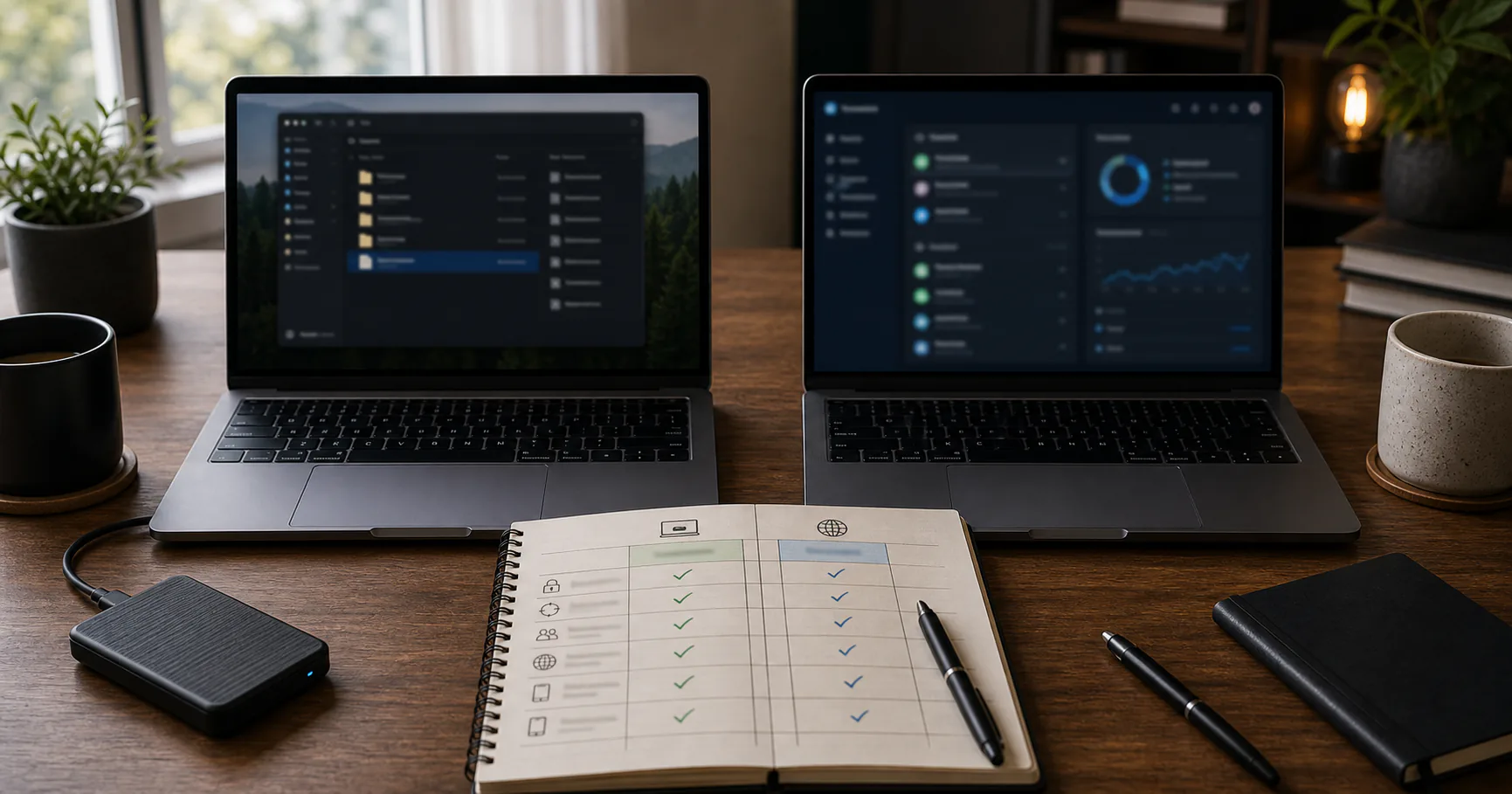
A password manager without cloud and a cloud password manager solve the same core problem in different ways. Both can store unique strong passwords. The difference is where encrypted vault data lives, how sync works, and who carries recovery responsibility.
There is no universal winner. The better choice depends on your threat model, devices, backup habits, and tolerance for manual recovery.
The core difference is custody
A no-cloud password manager keeps the encrypted vault on your device or storage you choose. A cloud password manager syncs encrypted vault data through provider infrastructure.
The practical question is whether you prefer local custody or managed availability.
| Area | No-cloud manager | Cloud manager |
|---|---|---|
| Vault location | User-controlled storage | Provider sync infrastructure |
| Account required | Often not | Usually yes |
| Sync | Manual or optional | Automatic |
| Recovery | User-managed | Provider-assisted or account-based |
Privacy tradeoffs are different
No-cloud tools can reduce provider metadata and cloud dependency. Cloud managers may still use strong encryption, but they operate through accounts, servers, and sync systems.
Privacy-focused users often prefer fewer remote moving parts.
- No-cloud reduces provider exposure.
- Cloud sync improves availability.
- Metadata handling varies by provider.
- Device compromise matters in both models.
Security is not simply offline good, cloud bad
A well-designed cloud manager can be safer than a poorly maintained local tool. A careful local setup can reduce risks that cloud sync introduces. Implementation quality matters.
Avoid simplistic claims and compare actual controls.
| Risk | No-cloud | Cloud |
|---|---|---|
| Provider breach | Reduced vault exposure | Depends on encryption and breach scope |
| Device malware | Still serious | Still serious |
| Lost device | Needs backup | Often easier recovery |
| Weak master password | Still dangerous | Still dangerous |
Sync convenience is the cloud manager advantage
Cloud password managers usually win on effortless multi-device access. No-cloud setups can sync manually or through user-chosen tools, but that adds responsibility.
If convenience is the main blocker to using unique passwords, cloud sync may be worth the tradeoff.
- Cloud sync is simpler across many devices.
- No-cloud sync is more explicit.
- Manual sync can create stale copies.
- File sync can create conflicts.
- Optional sync changes the threat model.
Recovery is where no-cloud setups need discipline
No-cloud password managers often cannot reset your master password because they do not hold the secret. That is good for privacy and strict for recovery.
Cloud managers may offer account recovery, but recovery features can also affect the threat model.
| Recovery need | No-cloud | Cloud |
|---|---|---|
| Forgot master password | Often unrecoverable | Depends on provider |
| Lost laptop | Restore from backup | Sign in and sync |
| Provider shutdown | Local vault may continue | Export needed |
| Family emergency | Requires offline plan | May have managed features |
Backups are optional-feeling in cloud tools and central in no-cloud tools
Cloud managers hide much of the backup burden behind sync. No-cloud tools make backup visible and necessary.
Visible responsibility can be good if you maintain it, and risky if you ignore it.
- No-cloud: create and test encrypted backups.
- Cloud: still export or plan for provider changes.
- Both: avoid plaintext exports as long-term backups.
- Both: protect recovery codes.
Team and family sharing often favors managed cloud tools
Sharing needs access control, revocation, and auditability. Cloud managers often handle this better than manual vault copies.
No-cloud sharing can work for small, stable groups but gets harder as people and permissions change.
| Sharing need | Likely better fit |
|---|---|
| Solo vault | Either |
| Family with simple sharing | Either with planning |
| Growing business | Managed cloud or team tool |
| Developer runtime secrets | Dedicated secrets platform |
How to choose between no-cloud and cloud
Choose based on responsibilities you will actually meet. If you will not maintain backups, no-cloud can become fragile. If you do not want provider dependency, cloud sync may feel wrong.
The best password manager is the one that helps you use unique passwords everywhere and recover safely.
- Choose no-cloud for custody and privacy control.
- Choose cloud for sync and managed recovery.
- Choose local-first optional sync if you want a middle path.
- Reevaluate when your device or sharing needs change.
Conclusion
Password managers without cloud and cloud password managers both have legitimate security models. The difference is not good versus bad; it is custody versus managed convenience.
Pick the model whose responsibilities match your real habits, then configure it carefully.