
How Password Managers Work When There Is No Cloud Account
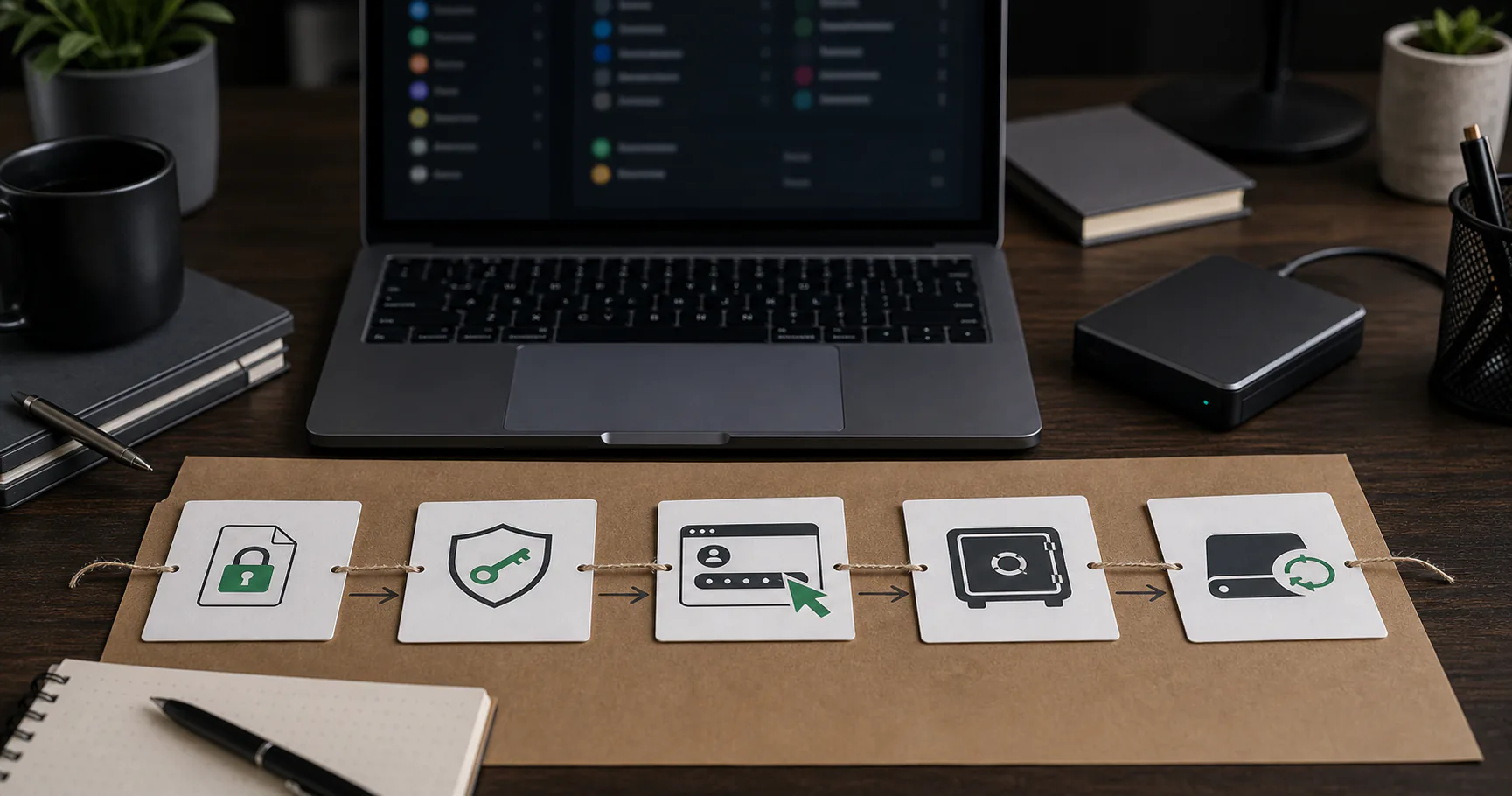
A password manager without cloud works by storing your encrypted password vault on your device or storage you choose, rather than automatically syncing it through provider servers. You unlock the vault locally with a master password or passphrase, use entries when needed, and handle backups or sync deliberately.
The security model is simple in concept but important in details: encryption, key derivation, device security, autofill behavior, backup handling, and recovery all shape the real outcome.
The encrypted vault is the center of the system
The vault is a local encrypted data store containing passwords, URLs, notes, and other sensitive fields. While locked, it should be unreadable without the required secret.
Different tools use different file formats and storage locations, but the basic idea is the same.
| Part | Role |
|---|---|
| Vault file | Stores encrypted data |
| Master password | Unlocks or derives the key |
| App | Reads and writes vault entries |
| Backup | Protects against data loss |
The master password unlocks the vault locally
The app should not need to send your master password to a server to unlock a no-cloud vault. Instead, it uses the password locally to derive a key that decrypts the vault.
A long unique passphrase is important because attackers who steal the vault may try offline guessing.
- Use a unique passphrase.
- Avoid reuse.
- Do not store it in the same vault.
- Consider offline recovery notes.
- Treat keyfiles carefully if used.
Key derivation slows guessing attempts
Modern password managers use key derivation functions to turn a human password into an encryption key. These functions are designed to make each guessing attempt more expensive.
Implementation details matter, but the user-facing lesson is simple: the master password still needs to be strong.
| Concept | Meaning |
|---|---|
| Salt | Prevents identical password hashes from matching |
| Work factor | Raises guessing cost |
| Memory hardness | Can slow specialized attacks |
| Encryption key | Used to decrypt the vault |
Storage stays on your device unless you move it
Without cloud sync, the vault stays wherever the app stores it or wherever you place the vault file. Moving it to another device is a user decision.
That makes storage understandable, but it also means you need a backup plan.
- Local app storage.
- User-selected folder.
- External drive.
- USB drive.
- Optional file sync if deliberately chosen.
Autofill bridges the local vault and browser
Autofill usually uses a browser extension or OS integration. The extension identifies the current site, asks the unlocked vault for matching entries, and fills selected fields.
Good no-cloud autofill should be explicit and domain-aware.
| Autofill step | What happens |
|---|---|
| Site check | Match current domain |
| Vault lookup | Find entries locally |
| User approval | Select credential |
| Fill | Insert into fields |
| Relock | Reduce idle exposure |
Sync is manual or user-chosen
No-cloud does not mean you can never use multiple devices. It means sync is not automatically handled by a provider unless you choose a tool or storage path that does it.
Manual copying, local network tools, and encrypted cloud folders all have different tradeoffs.
| Sync method | Tradeoff |
|---|---|
| Manual copy | Clear but slower |
| External drive | Portable but losable |
| Local network sync | Controlled but technical |
| Cloud folder | Convenient but reintroduces cloud exposure |
Backups protect the local model from data loss
A no-cloud password manager needs backups because there may be no provider copy to restore. The backup should normally be the encrypted vault, not a plaintext export.
Restore testing confirms the plan works.
- Back up encrypted vault data.
- Keep one copy outside the main device.
- Avoid plaintext exports.
- Test restore quarterly.
- Document keyfile requirements.
Recovery depends on what secrets you control
If the design is truly local and zero-knowledge, the provider may not be able to reset your master password. That protects privacy but makes recovery stricter.
Recovery planning must happen before failure.
| Lost item | Result |
|---|---|
| Main device | Recover from backup |
| Vault backup | Risk of data loss |
| Master password | Often unrecoverable |
| Keyfile | May block unlock |
| Recovery note | Harder emergency access |
What no-cloud architecture does not protect against
No-cloud architecture reduces some remote risks, but it does not protect against every local threat. Malware, phishing, weak master passwords, and unsafe exports still matter.
Security claims should remain precise.
- Compromised device.
- Weak master password.
- Phishing and fake login pages.
- Plaintext export leakage.
- Lost backups or keyfiles.
The simple workflow from setup to daily use
In daily life, the model should feel straightforward: unlock locally, use credentials, lock the vault, and back up after meaningful changes.
If the workflow feels mysterious, simplify the setup.
| Stage | User action |
|---|---|
| Setup | Create vault and master password |
| Daily use | Unlock and fill credentials |
| Changes | Add or update entries |
| Backup | Copy encrypted vault |
| Recovery | Restore and unlock backup |
Conclusion
A password manager without cloud works by keeping encrypted vault data local and making sync, backup, and recovery explicit user responsibilities.
That model can be private and resilient when paired with a strong master password, trusted devices, conservative autofill, and tested backups.