
Why Privacy-Focused Users Choose Password Managers Without Cloud
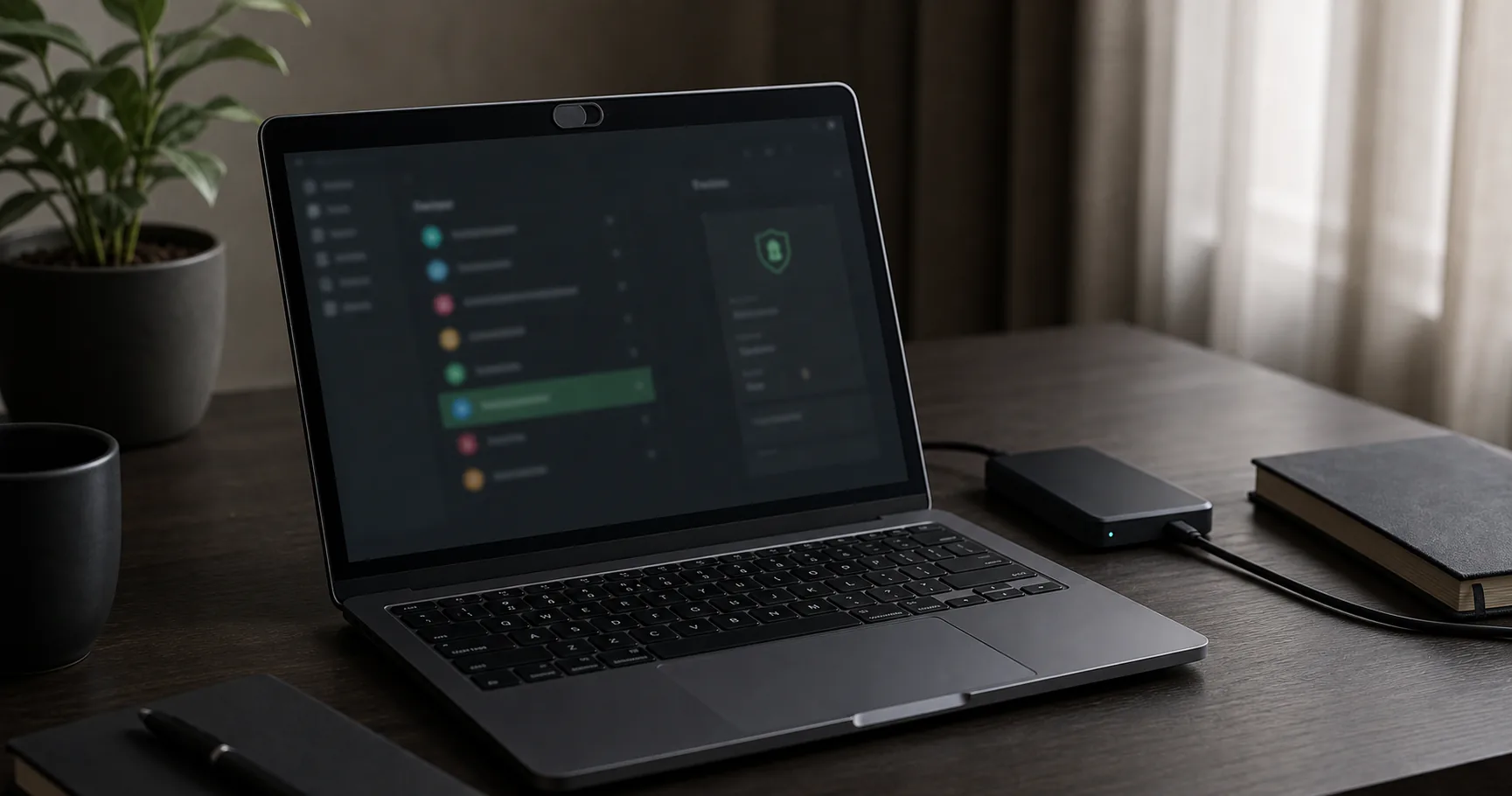
A password manager without cloud can improve privacy by keeping encrypted vault data under your control and reducing dependency on remote accounts, telemetry, and provider infrastructure.
Privacy does not mean invisibility. Your device, browser, backups, network, and account logins still create traces. A realistic setup focuses on reducing unnecessary exposure rather than promising disappearance.
What privacy improves when the vault stays local
Local vault storage can reduce how much account and vault metadata a provider handles. It can also make password management less dependent on a central cloud account.
That is valuable for people who want data minimization and custody.
| Privacy area | Local-first benefit |
|---|---|
| Vault storage | Data remains on chosen devices |
| Provider account | May be unnecessary |
| Telemetry | Can be minimized by design |
| Server breach exposure | Reduced for vault data |
What local storage does not hide
A local password manager does not hide your logins from the websites you use, your browser history from your browser, or device activity from malware. It also does not protect plaintext exports if you create them.
Privacy claims should stay precise.
- Websites still know when you log in.
- Browsers and operating systems still matter.
- Malware can still target unlocked secrets.
- Backups can create extra copies.
- Payment and email accounts still reveal identity.
Vault metadata can still be sensitive
Even when passwords are encrypted, vault entry names, URLs, tags, timestamps, or filenames may reveal patterns if a tool leaves them exposed. Strong privacy-focused tools should encrypt as much vault content as practical.
Ask what is encrypted and what is merely stored locally.
| Data | Privacy relevance |
|---|---|
| Website URLs | Reveal account relationships |
| Usernames | May identify you |
| Notes | Often sensitive |
| Timestamps | Can reveal habits |
| Vault filename | May reveal purpose |
Device privacy matters more in local setups
If the device is compromised, local custody loses much of its privacy value. Keep the operating system updated, reduce unnecessary extensions, and use disk encryption.
A local-first app should be part of a private device environment.
- Use full-disk encryption.
- Keep browsers updated.
- Limit extensions.
- Use separate OS accounts where needed.
- Lock the vault when idle.
Private backups need deliberate storage choices
An encrypted vault backup in cloud storage may still be safe from content inspection, but it introduces account metadata and file history. An offline drive reduces that exposure but increases physical recovery responsibility.
Choose consciously.
| Backup location | Privacy tradeoff |
|---|---|
| External drive | Less provider metadata, more physical responsibility |
| Cloud storage | Higher availability, more metadata |
| Secondary device | Convenient but must be secured |
| Printed recovery note | Offline but physically sensitive |
Browser password storage vs privacy-first vaults
Browser password managers are convenient but tied to a browser account, sync settings, and browser telemetry choices. A separate local vault can reduce that coupling.
After migration, avoid split storage if it makes auditing harder.
- Decide one source of truth.
- Disable browser password saving if appropriate.
- Review imported URLs.
- Use explicit autofill.
- Remove old plaintext exports.
Where local-first tools like Passary fit
Local-first password managers such as Passary fit privacy-minded users when they keep vault data under user control and make sync or backup choices explicit.
That architecture reduces some exposure, but it still depends on device security, implementation quality, and recovery discipline.
| Claim | Careful interpretation |
|---|---|
| Local-first | Data starts under user control |
| Zero-knowledge | Provider should not hold decryption secret |
| No cloud required | User handles backup and recovery |
| Private | Reduced exposure, not absolute anonymity |
Privacy-focused no-cloud checklist
A private setup should be understandable. If you cannot explain where data lives and what leaves the device, the workflow needs simplification.
- Use a local or local-first vault.
- Minimize telemetry where possible.
- Use disk encryption.
- Avoid cloud folders unless intentional.
- Delete plaintext exports.
- Test offline recovery.
Conclusion
A password manager without cloud can improve privacy by reducing provider dependency and keeping encrypted vault data under your control.
The best privacy setup is honest about remaining risks: device compromise, browser behavior, metadata, backups, and recovery still matter.