
Portable Password Managers: How to Carry a Vault Safely
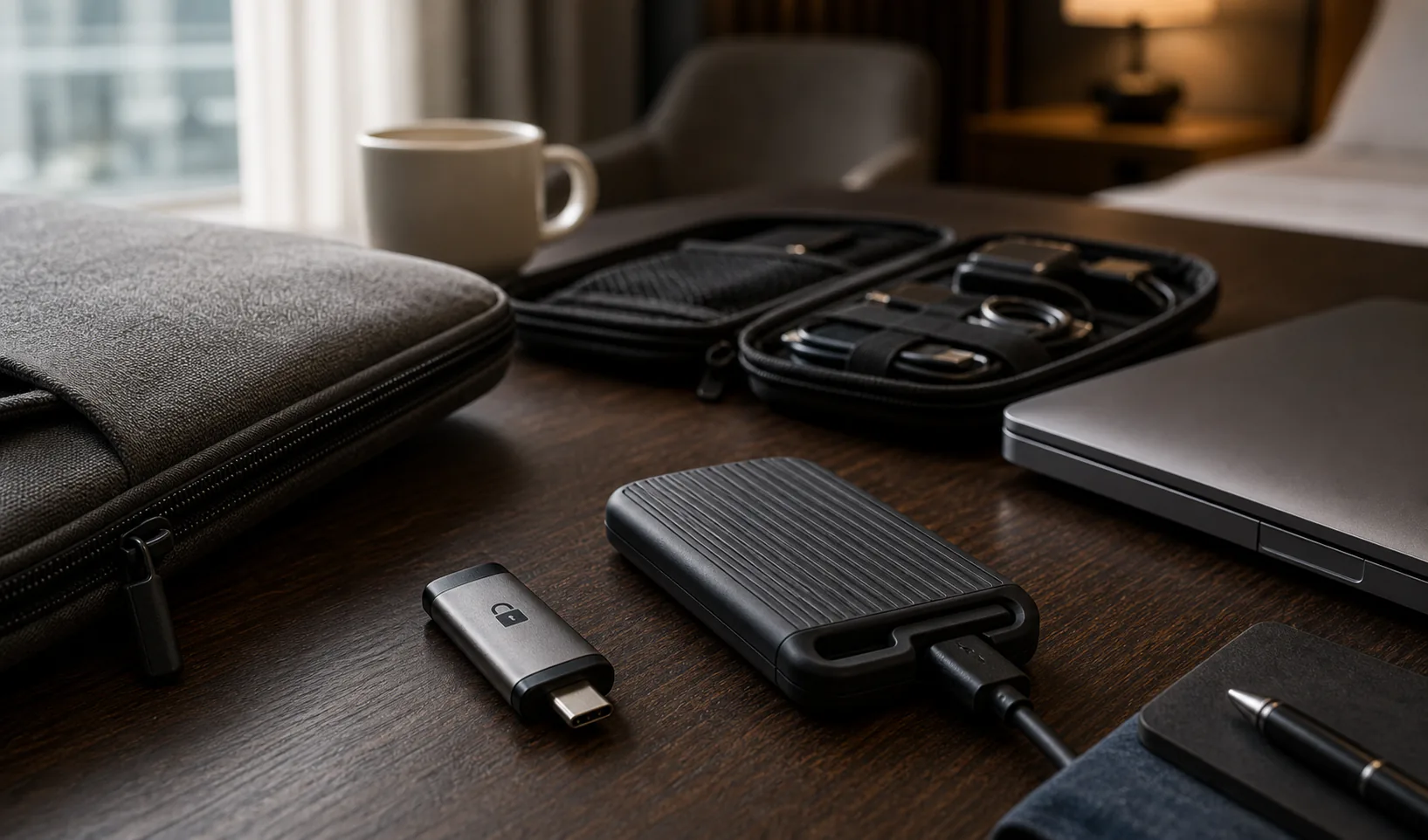
Portable local password manager options let you carry an encrypted vault or password manager workflow between trusted devices. They can be useful for travel, emergency access, separated backups, or people who want vault storage outside a normal cloud account.
Portability is powerful, but it adds physical risk. A USB drive can be lost, damaged, copied, or forgotten. The vault must remain encrypted, backed up, and used only on devices you trust.
What portable means for a local password manager
Portable can mean several things: a vault file stored on removable media, a portable app that runs from a drive, or a recovery copy you can move between devices. These are not the same risk model.
Clarify what you need before choosing the setup.
| Portable model | Use case | Main caution |
|---|---|---|
| Vault file on USB | Carry encrypted data | Needs app on trusted device |
| Portable app and vault | Self-contained workflow | Update process may be harder |
| Emergency backup drive | Recovery only | Must be stored safely |
| Travel copy | Temporary access | Loss risk is higher |
When portable password vaults make sense
A portable vault is useful when you need control, separation, or recovery. It is less useful if you simply want effortless sync across everyday devices.
The best portable setups are intentional and limited.
- Keeping an offline recovery copy.
- Traveling with a temporary encrypted vault.
- Maintaining a separate work or emergency vault.
- Moving between trusted personal computers.
- Storing a backup outside the main device.
Portable vaults still depend on trusted devices
A portable vault is only as safe as the device where it is unlocked. If you plug it into a compromised computer, malware may capture passwords after decryption or watch what you type.
Avoid public computers and borrowed devices for full vault access.
| Device | Portable vault guidance |
|---|---|
| Your updated laptop | Good default |
| Your secondary computer | Good if maintained |
| Work-managed device | Check policy and monitoring |
| Borrowed computer | Avoid full vault unlock |
| Public computer | Do not use |
Using a USB drive for a local password manager
A USB drive can be a simple portable vault carrier. Use a reliable drive, keep the vault encrypted, and avoid treating the drive as the only copy.
If the drive itself supports hardware encryption, that can add protection, but it does not replace vault encryption.
- Use the USB drive for encrypted vault files, not plaintext exports.
- Label it discreetly.
- Keep at least one separate backup.
- Eject it properly to reduce corruption risk.
- Do not leave it connected when not needed.
Portable apps vs portable vault files
A portable app can be convenient because it carries the software and vault together. A portable vault file is often simpler and lets you use the installed app on each trusted device.
Portable apps need extra attention to updates, browser integration, and OS compatibility.
| Approach | Advantage | Tradeoff |
|---|---|---|
| Portable vault file | Simple and easy to back up | Requires compatible app |
| Portable app plus vault | Self-contained | Update and trust chain matter |
| Installed app with removable backup | Stable daily workflow | Less portable day to day |
Travel considerations for portable password vaults
Travel increases loss and inspection risk. Consider whether you need the full vault with you or a smaller travel vault containing only essential accounts.
A travel vault can reduce exposure if a device or drive is lost.
- Carry only the accounts you need.
- Use MFA for critical services.
- Keep the main backup at home.
- Avoid unlocking on hotel or public computers.
- Update the travel copy before leaving.
Portable does not mean backed up
A portable drive is not automatically a backup. If it is the only place where the vault exists, it is a single point of failure.
Keep another encrypted copy somewhere safe and test that it opens.
| Failure | Protection |
|---|---|
| USB lost | Separate backup copy |
| USB damaged | Second storage medium |
| Vault corrupted | Versioned backup |
| Keyfile missing | Keyfile recovery plan |
| Forgotten password | Offline recovery process |
Avoiding sync conflicts with portable vaults
Portable workflows can create conflicts if you edit different copies of the same vault on different devices. The problem is not unique to password managers; it is a file management issue with high stakes.
Use one active copy at a time or choose a tool with clear conflict handling.
- Decide which copy is primary.
- Avoid editing two copies at once.
- Back up before merging or replacing files.
- Name backups with dates.
- Check modified times before copying over a vault.
Browser autofill with portable setups
Portable vaults can make browser integration more complicated. Extensions usually live in the browser profile, not on the USB drive, so you still need a trusted browser setup.
If autofill is central to your workflow, test it before relying on a portable approach.
| Workflow | Autofill reality |
|---|---|
| Installed app and extension | Usually smoothest |
| Vault on USB | Can work if app supports it |
| Portable app | Depends on browser and OS |
| No extension | Manual copy with clipboard controls |
A safe default portable password manager setup
For most people, the safest portable setup is an encrypted vault file copied to a removable drive as a backup or limited travel copy, with the main workflow still happening on trusted personal devices.
This keeps portability useful without turning every login into a risky device decision.
- Use the local password manager on your main device.
- Keep an encrypted vault copy on a reliable removable drive.
- Store another encrypted backup separately.
- Avoid public computers.
- Test restore every few months.
Conclusion
Portable local password manager options are useful when you need recovery, travel access, or storage separation. The safest setups keep the vault encrypted, avoid public devices, and maintain a separate backup.
Treat portability as a controlled workflow, not a shortcut. A portable vault should make access resilient without making secrets easier to lose.