
Free Local Password Managers: What You Get and What to Avoid
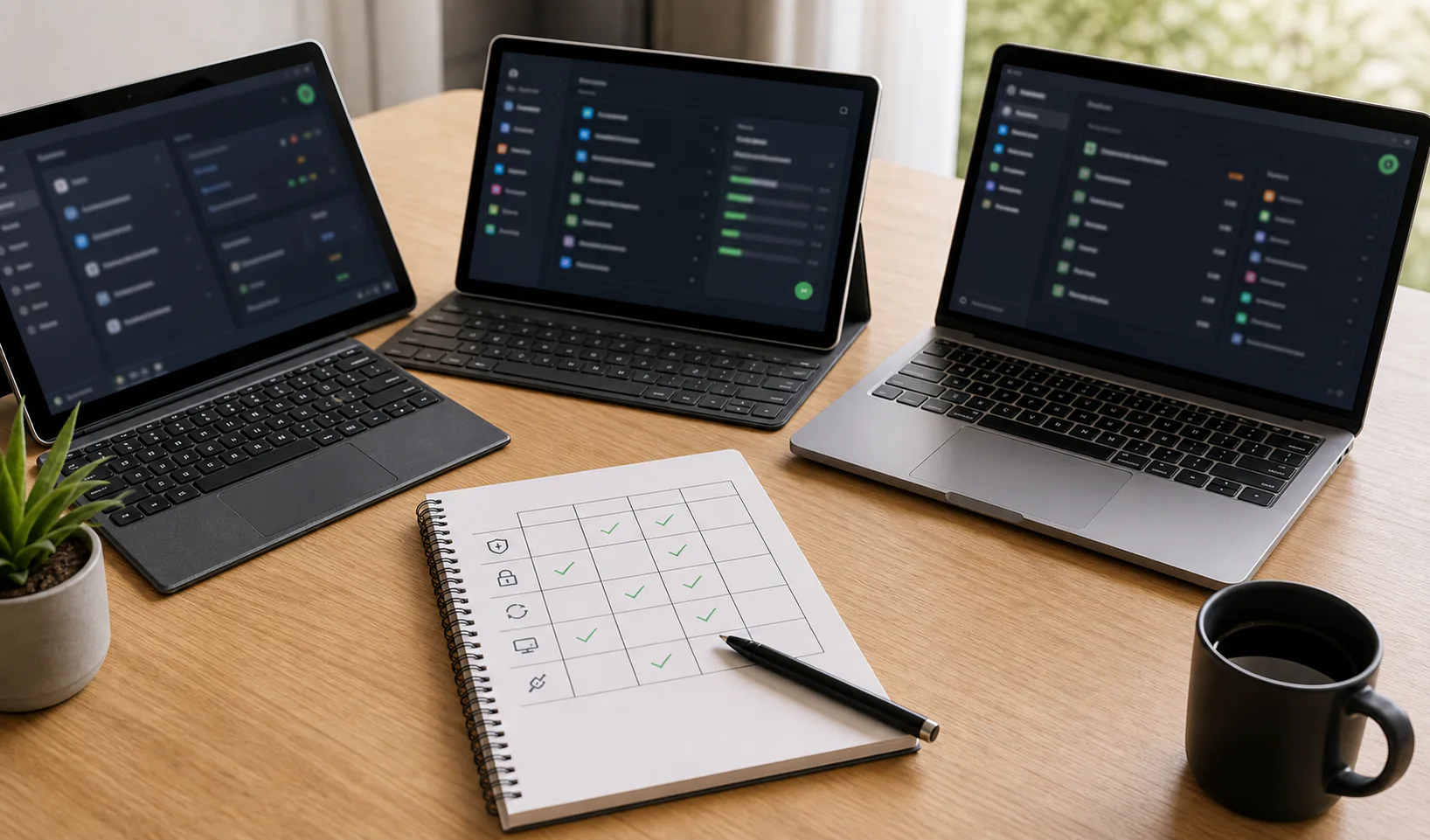
Free local password manager options can be a good way to improve password security without adding another subscription. The important question is not only whether the app is free, but whether its security model, backup process, and long-term maintenance fit your needs.
A free tool can be excellent, but price should not be the main security criterion. Password managers protect high-value secrets, so evaluate them like infrastructure you depend on.
What free really means for password managers
Free can mean open source, free tier, community project, bundled browser feature, or a product subsidized by paid plans. Each model has different incentives and limitations.
Before choosing, understand what is free, what is limited, and what you depend on.
| Free model | Typical strength | Common limit |
|---|---|---|
| Open source project | Transparency and portability | Volunteer maintenance can vary |
| Free tier | Polished apps and sync | Feature or device limits |
| Browser manager | Built in and convenient | Browser account dependency |
| Local-only tool | Control and simplicity | Manual backup responsibility |
The security baseline for free local options
A free local password manager should still provide strong vault encryption, clear master password behavior, local lock controls, and a documented way to export or back up data.
Do not lower the bar because the app is free. A weak password manager can make every account more fragile.
- Encrypted vault storage.
- No master password storage in plaintext.
- Clear auto-lock behavior.
- Safe import and export process.
- Recent updates or active maintenance.
- Usable backup and restore documentation.
Free local options vs free cloud password managers
Free cloud password managers can be convenient, especially across devices. Free local options emphasize custody and reduced provider dependency. Both can be reasonable depending on your priorities.
The main tradeoff is who handles sync, recovery, and availability.
| Need | Free local option | Free cloud option |
|---|---|---|
| Data custody | Usually stronger | Provider-centered |
| Multi-device sync | Manual or optional | Usually easier |
| Recovery | User-managed | May include account recovery |
| Privacy posture | Often stronger | Depends on provider |
| Convenience | Varies | Often stronger |
Hidden costs of free password manager choices
A free option can cost time, attention, and recovery effort. Manual backups, device setup, extension configuration, and migration cleanup are real responsibilities.
Those costs may be worth it. They just need to be visible.
- Time spent managing backups.
- Learning import and export formats.
- Manual sync between devices.
- Checking update status.
- Recovering without provider support.
- Cleaning up plaintext exports.
When a free browser password manager is not enough
Browser password managers are convenient and often better than password reuse, but they are tied to the browser and its account model. They may not provide the same separation, portability, or local-first control as a dedicated vault.
If you share devices, use multiple browsers, want a separate master password, or need clean exports and backups, a dedicated password manager is usually easier to reason about.
| Situation | Dedicated local option helps because |
|---|---|
| Multiple browsers | One vault can remain browser-independent |
| Privacy focus | Less dependency on browser account sync |
| Manual backup need | Encrypted vault file can be handled deliberately |
| Import cleanup | You can centralize password review |
Features worth prioritizing in free local options
Feature lists can get noisy. Focus first on the things that protect secrets and keep the workflow sustainable.
Polish matters too, because a frustrating password manager tends to be abandoned.
| Feature | Why it matters |
|---|---|
| Strong generator | Helps replace reused passwords |
| Search and tags | Keeps the vault usable |
| Autofill controls | Balances convenience and risk |
| Import support | Makes migration realistic |
| Encrypted backup path | Prevents data loss |
Free options to avoid
Avoid any password manager that is unclear about encryption, abandoned, hard to export from, or overly casual with sensitive files. Free is not worth lock-in or uncertainty.
Also be cautious with unknown browser extensions that ask for broad permissions and have little maintenance history.
- No clear encryption explanation.
- No recent updates or security communication.
- No export path.
- Unknown extension publisher.
- Plaintext storage or unclear local files.
- Aggressive claims such as unhackable or military-grade without detail.
Trying a free local password manager safely
Do not move your entire digital life on day one. Test a small sample, understand the vault file, and make a backup before importing everything.
This gives you a chance to catch missing fields, browser extension issues, or awkward workflows early.
- Create a test vault.
- Add several non-critical entries.
- Try browser filling.
- Import a small sample from your old manager.
- Export or back up the test vault.
- Restore it once before committing.
Where free local-first tools fit
A free local-first password manager can fit users who want privacy, control, and an understandable vault lifecycle. Tools like Passary can be evaluated in that context: what stays local, what is encrypted, how backups work, and what happens if you lose access.
The main question is whether the tool helps you maintain safer habits without hiding important tradeoffs.
| Question | Good answer |
|---|---|
| Where is data stored? | The app makes it clear |
| Who can decrypt it? | Only someone with the required secret |
| How do backups work? | Encrypted copies are easy to understand |
| Can I leave? | Export or portability is documented |
How to choose a free local password manager option
Choose the free option that gives you the best mix of security clarity, daily usability, backup confidence, and portability. Do not choose purely from screenshots or generic best-of lists.
A password manager is successful when it helps you use unique passwords everywhere and recover safely when something goes wrong.
- Confirm the storage and encryption model.
- Test the browser workflow.
- Create and restore a backup.
- Check import and export behavior.
- Review maintenance history.
- Move critical accounts only after the workflow works.
Conclusion
Free local password manager options can be strong choices when they are secure, maintained, portable, and backed up properly. The key is to evaluate the full workflow, not just the price.
Start with a small test vault, verify backup and restore, and then move important accounts once the setup feels predictable.